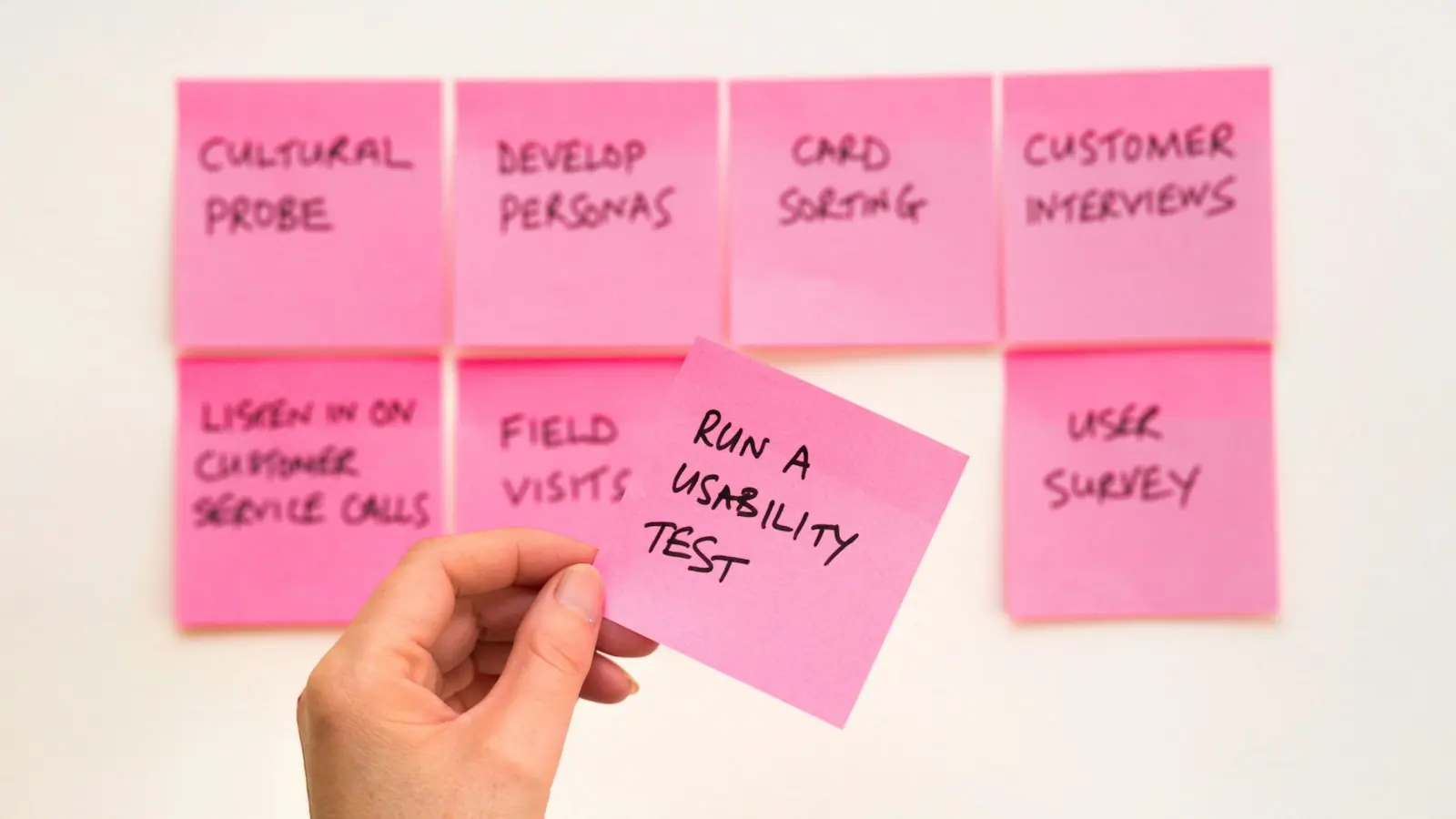
UX research has always had a bottleneck, and it is rarely the interviews. It is everything afterwards: transcribing, tagging, clustering sticky notes, arguing about what the clusters mean, and writing it up in a way that stakeholders will read.
AI has cut a lot of that time. Used carelessly, it has also made it easier than ever to produce confident-sounding research that nobody should trust.
Where AI genuinely helps
Planning. AI is a useful thinking partner for drafting a discussion guide, spotting leading questions and generating screener criteria. Treat its output as a first draft for a researcher to edit.
Transcription and translation. This used to be hours of work per session. It is now close to instant, and accurate enough that researchers can spend their time listening again instead of typing.
Tagging and first-pass clustering. AI can tag quotes against your research questions and suggest initial themes across dozens of transcripts. That gives the team a starting map rather than a blank wall.
Summaries for stakeholders. Turning a finished synthesis into a one-page summary, a slide or a Slack update is exactly the kind of reformatting AI does well.
These are production tasks, and the productivity gains are real. Nielsen Norman Group found an average 66% throughput improvement across studies of realistic business tasks when people used generative AI (NN/g).
Where AI misleads
It flattens the unusual. Summaries favour what is said most often. But the insight that changes a product is often a single, specific moment: one participant hesitating over a pricing toggle, or describing a workaround nobody had noticed.
It cannot see behaviour. Transcripts capture words. Usability problems often show up in what people do: the long pause, the mis-click, the “oh, I see”. A researcher watching the session catches those. A transcript summary does not.
It invents plausible patterns. Ask for five themes and you will get five themes, whether or not the data supports them. Always trace themes back to real quotes and real participants.
Synthetic users are not users. Tools that simulate personas can help you brainstorm questions. They cannot replace the people who will actually use your product, because they are built from generic data, not your customers.
Small studies still work
AI has not changed the economics of qualitative research. Nielsen Norman Group’s long-standing guidance is that testing a design with around five users typically uncovers most of its usability problems, because the same issues repeat after the first few sessions (NN/g). The key caveat is that this applies to qualitative, formative testing with a fairly uniform user group, not to measuring things like conversion rates.
The practical implication: run small studies often, and use AI to make the analysis fast enough that you actually do it every sprint.
A workflow that keeps rigour
- Researcher writes the questions. AI helps review them for bias.
- Real sessions with real users. Five to eight per round for qualitative work.
- AI transcribes and tags. Against the research questions, with timestamps.
- Researcher synthesises. Using the AI clusters as a starting point, re-watching key moments and challenging every theme.
- Evidence attached to every finding. Each insight links to quotes or clips, so stakeholders can check it themselves.
- AI formats the outputs. Summaries, slides and tickets, reviewed before sharing.
The takeaway
AI makes UX research faster, and faster research gets done more often, which is a real win. But the value of research comes from contact with real people and careful interpretation. Keep those two things human and let AI handle the rest.
Research is where our UI/UX design work begins. To see how the findings turn into prototypes quickly, read AI-assisted prototyping that holds up.